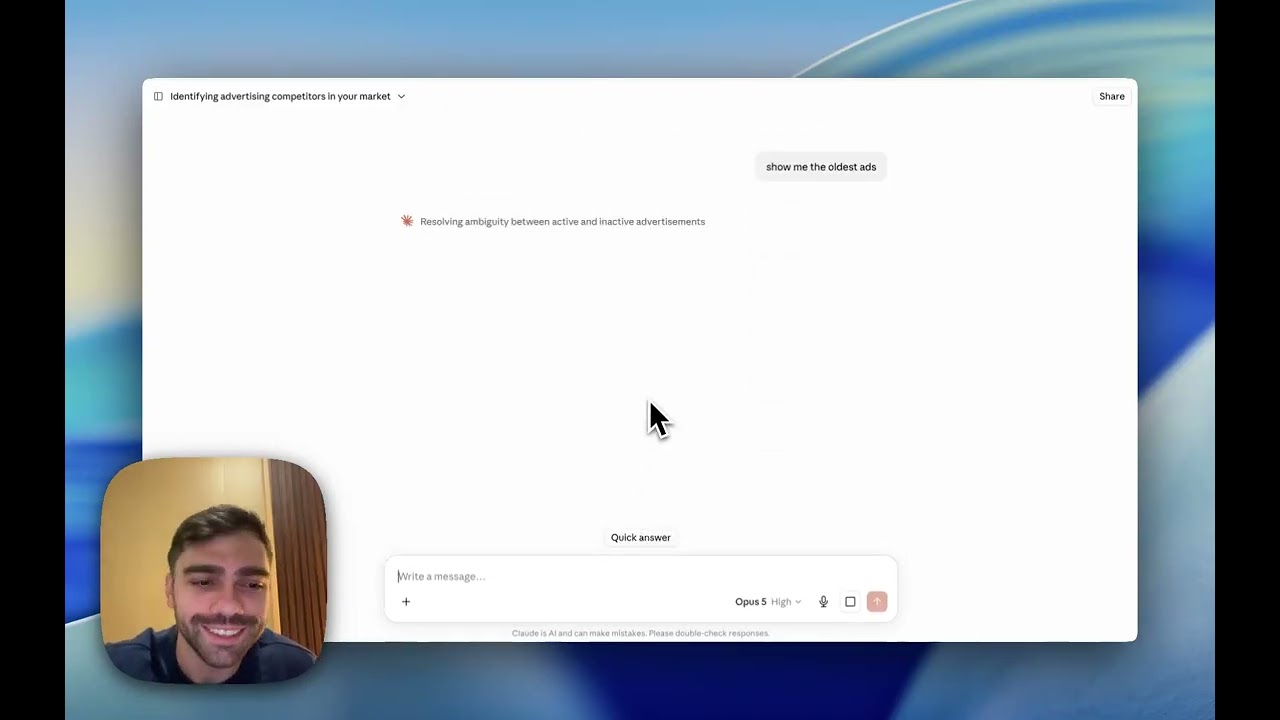
Most people looking at a competitor's ads see the first twenty and stop. That is not a sample, it is whatever the Ad Library decided to show you, and it is not sorted by anything useful.
Step 1: Add the brand
Add Gymshark and show me their ads.
The ingest pulls the entire active library, not a page of it. For a brand running a few hundred ads this takes under a minute.
Step 2: Ask for the shape before the detail
Before you look at individual creatives, get the overview:
How many ads are they running, and what is the split by format?
Format split tells you where their budget goes. A brand running 80% video has a very different production pipeline from one running 80% static, and that changes what you can realistically copy.
Step 3: Filter to what matters
Now narrow it. The three filters worth knowing:
- By run time. "Show me everything live over 60 days." This is the winners list.
- By format. "Show me only their video ads." Useful when you are planning a specific production.
- By hook. "Which ads open with a problem rather than a product?" This surfaces their angle, not just their assets.
Step 4: Look at what repeats
One ad tells you nothing. A pattern across several long-runners tells you their formula:
What do their longest-running ads have in common?
Repetition is the signal. If four of their durable ads open the same way and make the same offer, that structure is doing the work, not the creative polish.
What you cannot see
Spend, CTR, CPC, ROAS and conversions are never published for any advertiser. They exist only inside that brand's ad account. What is public is the creative, the copy, the format, the start date and whether the ad is still live.
FAQ
Does this show ads on Instagram as well?
Yes. Meta's ad library covers both Facebook and Instagram placements, and ads often run across both from the same campaign.
Can I see ads that have been turned off?
The default is active ads, which is what you want, because a dead ad tells you little. You can ask for inactive ads explicitly if you are researching a brand's history.
How current is the data?
Brands are re-checked on a daily snapshot, so run-time counts stay accurate and you can ask how a library changed over time.
What if a brand shows no ads?
They are not advertising on that platform right now. That is worth knowing before you assume they are a threat.