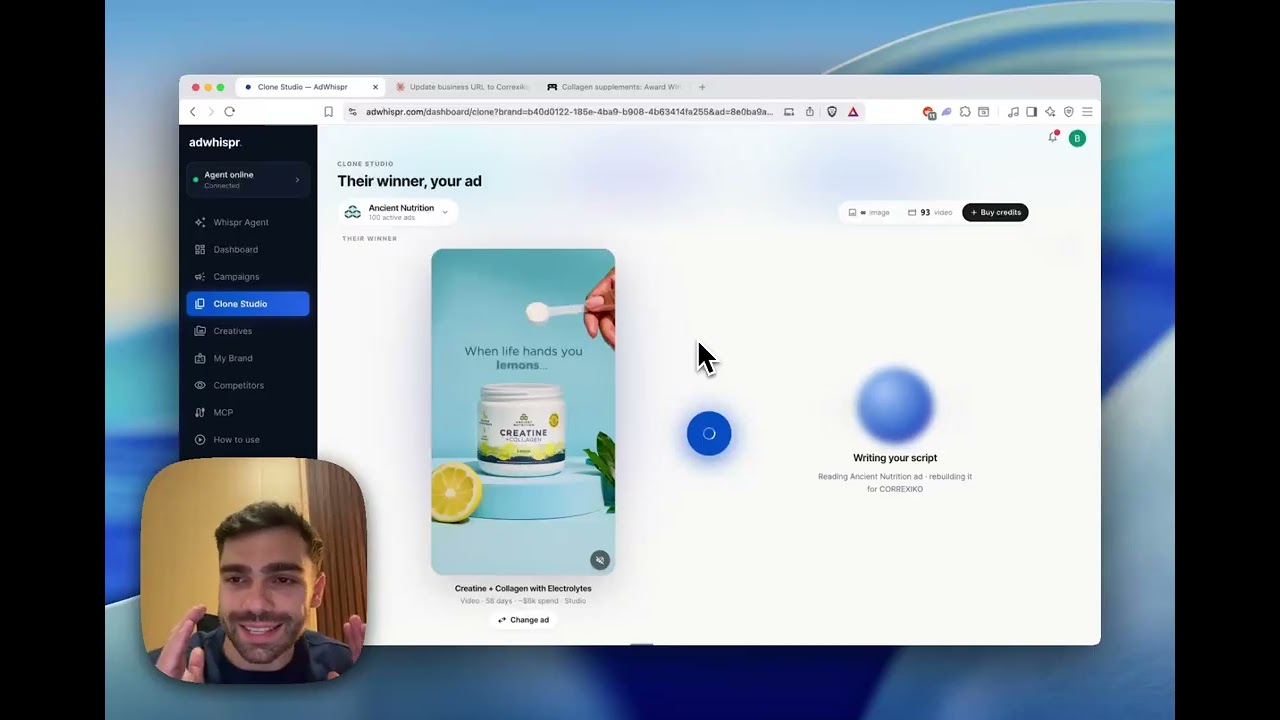
ChatGPT can talk about advertising all day without knowing a single ad your competitors are actually running. Connecting AdWhispr gives it tools that read real ad libraries and can launch real campaigns.
The quick way: add it from the directory
AdWhispr is in ChatGPT's plugin directory. In ChatGPT, go to Settings, then Plugins, then Browse Plugins, search for AdWhispr, and connect it. Sign in to your AdWhispr account (or create one) when ChatGPT asks, and you are done. Skip to Step 4 to test it.
The manual way: a custom connector
If you cannot find the app, or your workspace only allows custom connectors, set it up by hand. The one thing that trips people up is that the connector settings stay hidden until Developer mode is on. Do that first.
Step 1: Turn on Developer mode
Open Settings, go to Security and login, and enable Developer mode.
Skip this and the option you need in the next step simply will not be there, which is the single most common reason people think the connector is broken.
Step 2: Open the app settings
Go to Settings, then Plugins, then Browse Plugins, and click the + button in the top right.
Step 3: Paste the AdWhispr link
In the connection field, paste:
https://adwhispr.com/api/chatgpt/mcp
This is a different URL from the one Claude uses. ChatGPT gets a dedicated endpoint because OpenAI's app review requires a commerce-free experience, so use this one here.
Set the app name to AdWhispr, then click Create.
Step 4: Enable the app and test it
Enable AdWhispr so it can answer questions, then start a new chat and paste:
Use AdWhispr to research Gymshark's Meta ads and show me their longest-running winner.
You should get the oldest ad still running, with its days-running count. If ChatGPT answers from general knowledge instead, name AdWhispr in the prompt explicitly.
What to ask next
Once it is connected, the useful prompts are the ones that chain research into action.
- "Who is advertising in my space right now?"
- "Show me every ad that brand is running, sorted by how long it has been live."
- "Clone their best one for my brand and show me the copy before anything goes live."
FAQ
Why is the ChatGPT URL different from the Claude one?
ChatGPT connects to a dedicated endpoint at https://adwhispr.com/api/chatgpt/mcp. OpenAI's app review requires a commerce-free experience, so that endpoint is tailored to it. Claude and other clients use https://adwhispr.com/api/mcp.
I cannot find the connector option anywhere
Developer mode is almost certainly off. Go to Settings, then Security and login, and switch it on. The option stays hidden until you do.
Which ChatGPT plans support this?
Apps are available on Plus, Pro and Business. The free tier of ChatGPT does not support custom apps.
Can it spend money without asking me?
Not by connecting. Reading competitor ads uses public ad-library data and touches no account of yours. Launching a campaign requires separately connecting your own ad account, you name the budget in the instruction, and nothing goes live until you approve it.
Does it work in both ChatGPT and Claude at once?
Yes. The same AdWhispr account works across every client you connect, and your saved brand and tracked competitors follow you between them.